
Screen time your kids earn by learning
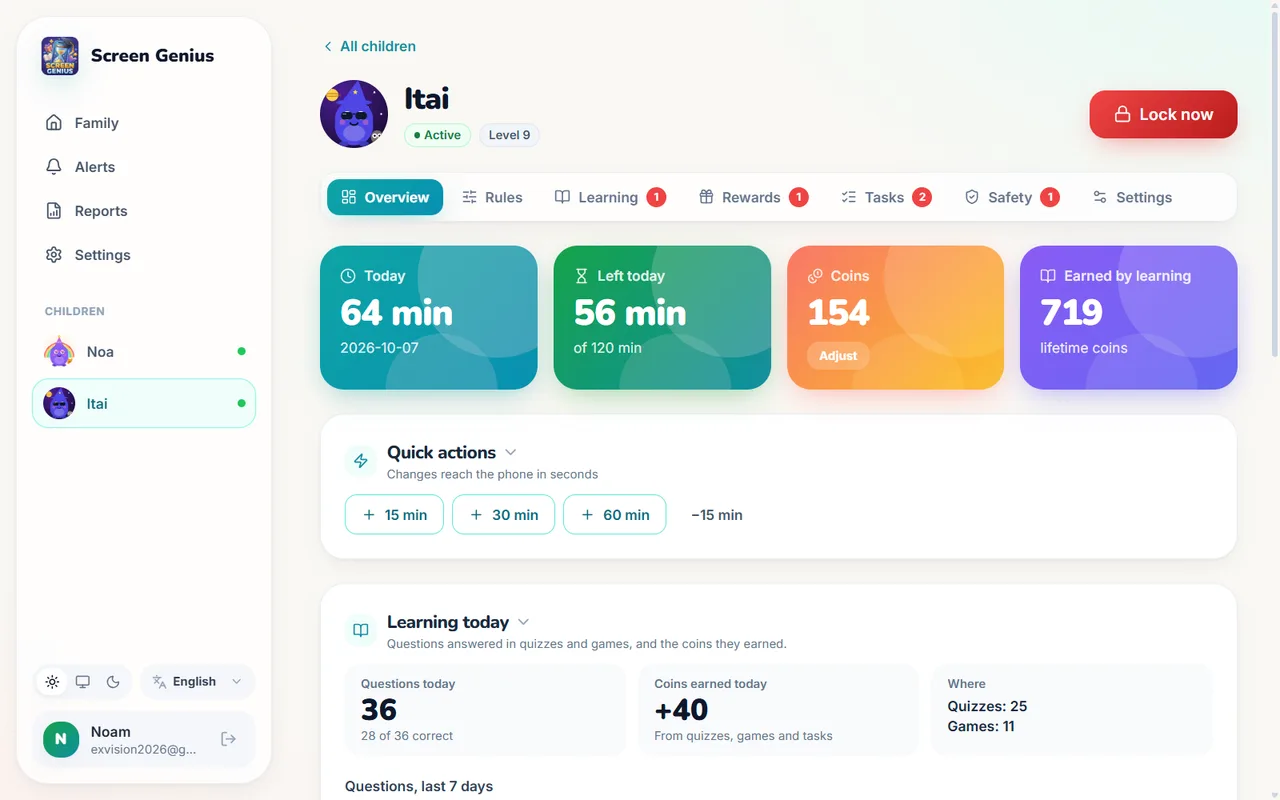
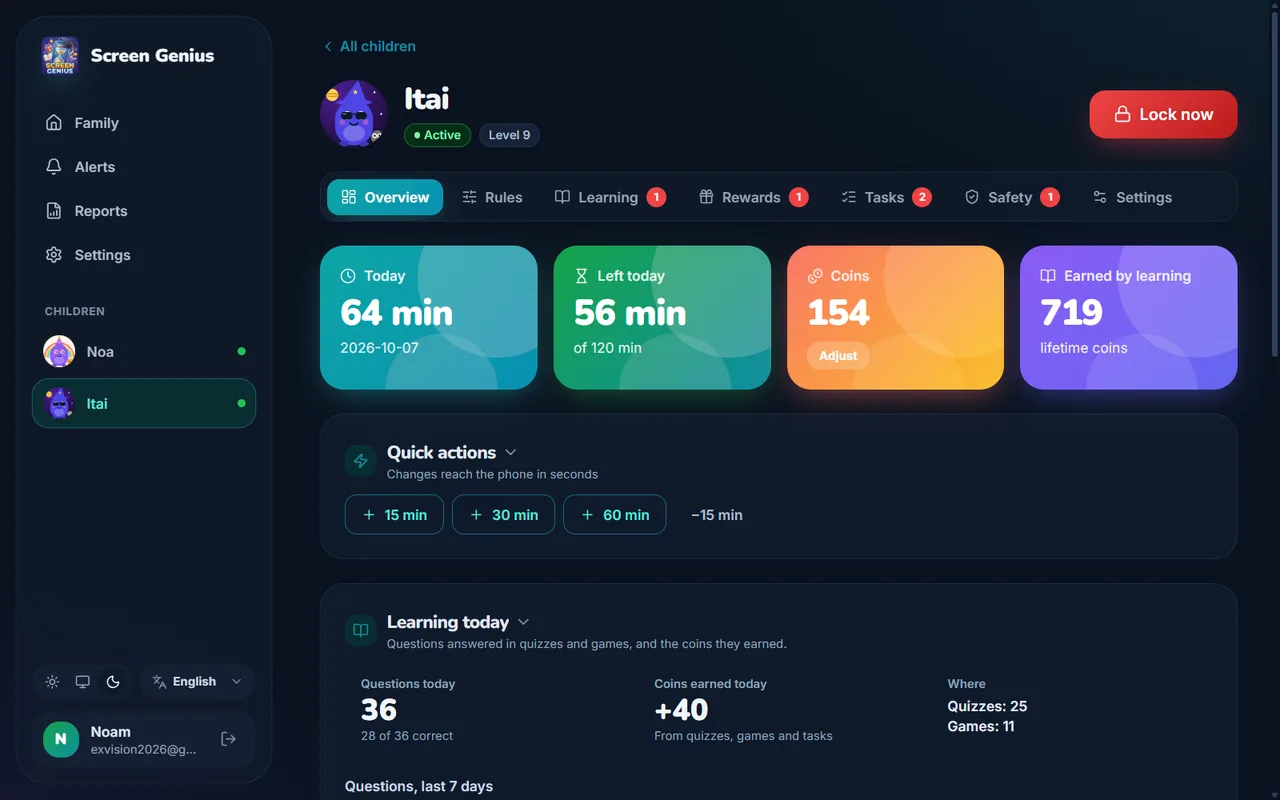
Parental controls + learning, in one appScreen Genius keeps clear limits on screen time — and kids unlock more with AI quizzes, learning games and chores around the house. You manage it all from your phone or the web dashboard.
300 free questions to start · 9 languages · Android
- Ages 6–14Questions matched to age and grade
- 9 languagesApp, questions and reports in your language
- A real lockOver the status bar, PIN checked on our server
- Privacy firstNo ads, and we never sell data
Instead of screen-time fights — a loop that works
Kids know exactly what the rules are and how to earn more. You don't have to be the screen police anymore.
- 01
You set the limits
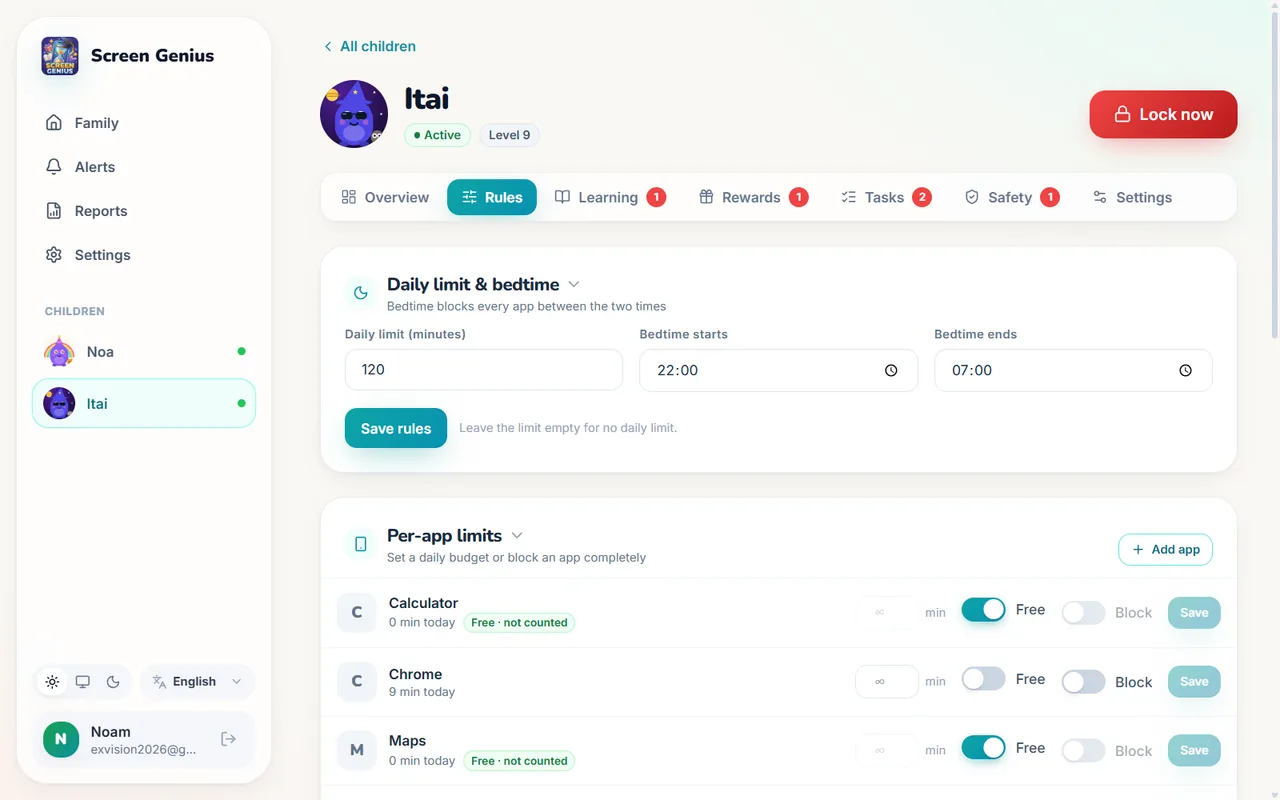
A daily limit, per-app limits, bedtime, and free apps that never count.
- 02
Kids learn and earn
AI quizzes in every subject, learning games and chores all earn coins.
- 03
Coins become time and prizes
Kids buy extra screen time, or prizes you choose — ice cream, movie night, anything.
Three ways in. One system.
Every change reaches every device in seconds.
A world where learning pays off
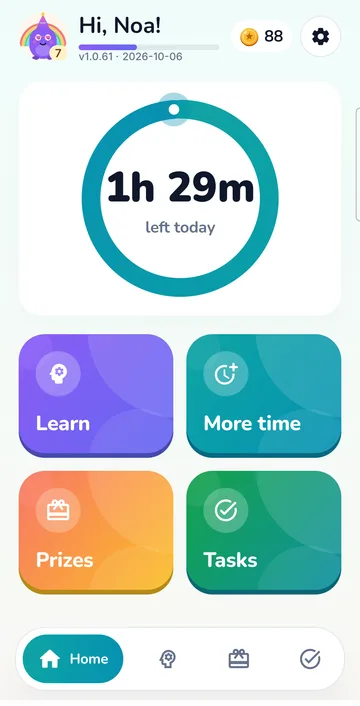
- Time left, always clearHome shows today's time left, coins and level at a glance.
- AI quizzes in every subjectMath, science, English, history and more — at exactly the right level.
- 9 learning gamesMath Sprint, Word Builder, Map Pin, Clock Master, Money Counter and more.
- Avatar, levels and badgesEarn XP, level up and unlock hats, pets and backgrounds.
- Spend on time and prizesCoins turn into extra minutes or prizes that parents set up.
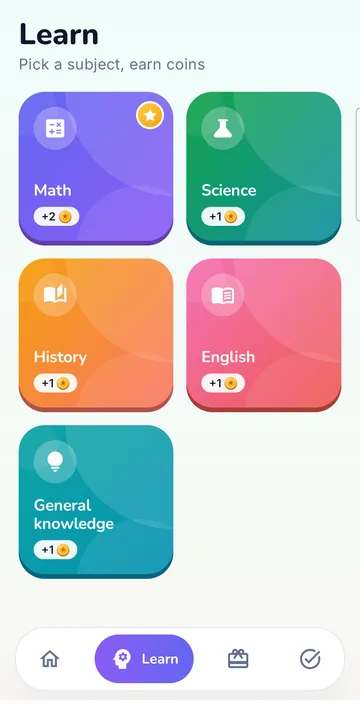
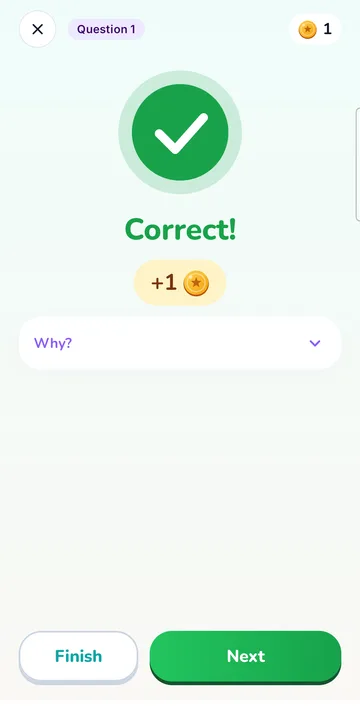
AI that teaches at your child's level
Every question is created on the spot from age, grade and progress — and focuses on what still needs practice.
- A level for each subject — and you can nudge it up or down
- About 40% of questions target weak topics
- No repeated questions
- Open answers, multiple choice, true/false, equations and word problems
- Must-learn subjects: math first, then everything else
- Your own question packs — like this week's spelling words
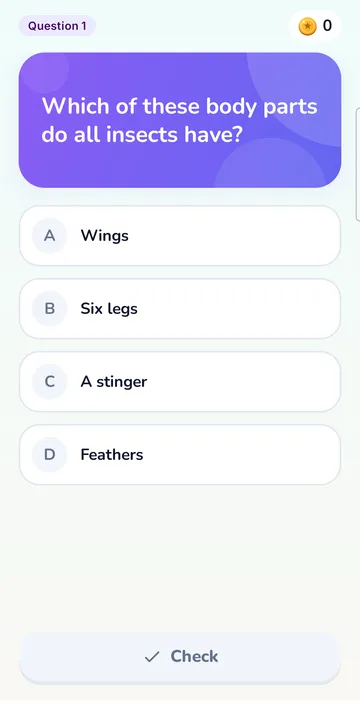
A lock that really locks. And an eye that watches out.
Screen Genius is built so even a very clever kid can't find a way around it — and if they try, you'll know.
- A lock over everythingThe lock screen covers the status bar and the navigation buttons.
- PIN checked on our serverThe lock can't be bypassed through settings or by editing data.
- Tamper alertsA restart, a clock change or opening Settings — you get notified.
- Agent ShieldSpots bullying and dangerous words in on-screen text and alerts you.
- BedtimeThe phone locks at night; kids can ask for a few more minutes.
- Free appsCalculator, Maps or Duolingo stay open even when time is up.
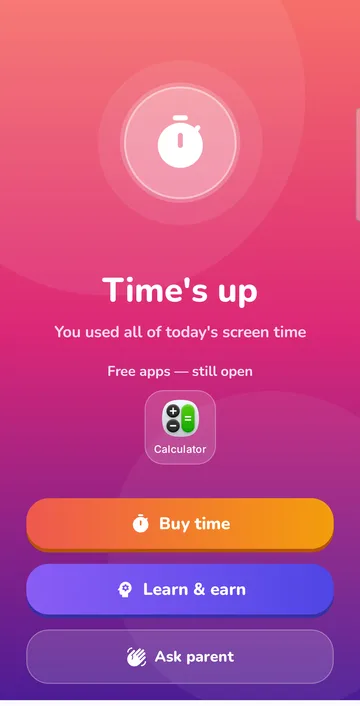
Up and running in three minutes
- 1
Install on your child's phone
Open Screen Genius and choose “This is my child's device”. The app explains every permission on the way.
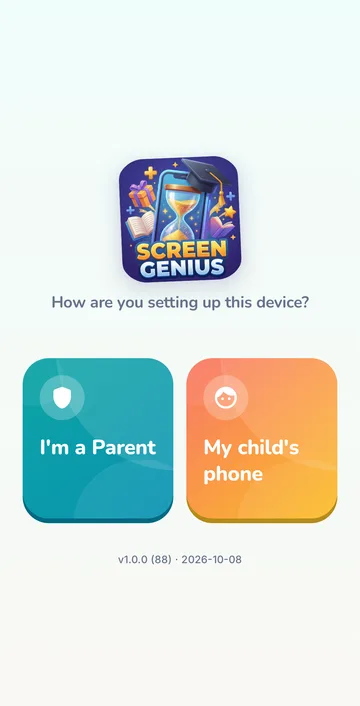
- 2
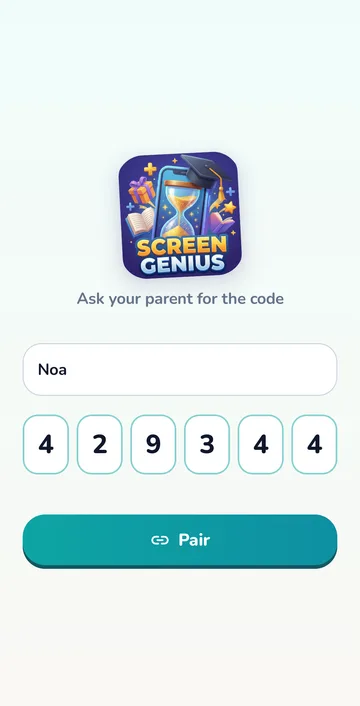
Pair with a 6-digit code
Create a code in the dashboard or your app, your child types it in — and the phone is connected.
- 3
Set rules from anywhere
From your phone or any computer: rules, learning, prizes, chores and reports.
A weekly report actually worth reading
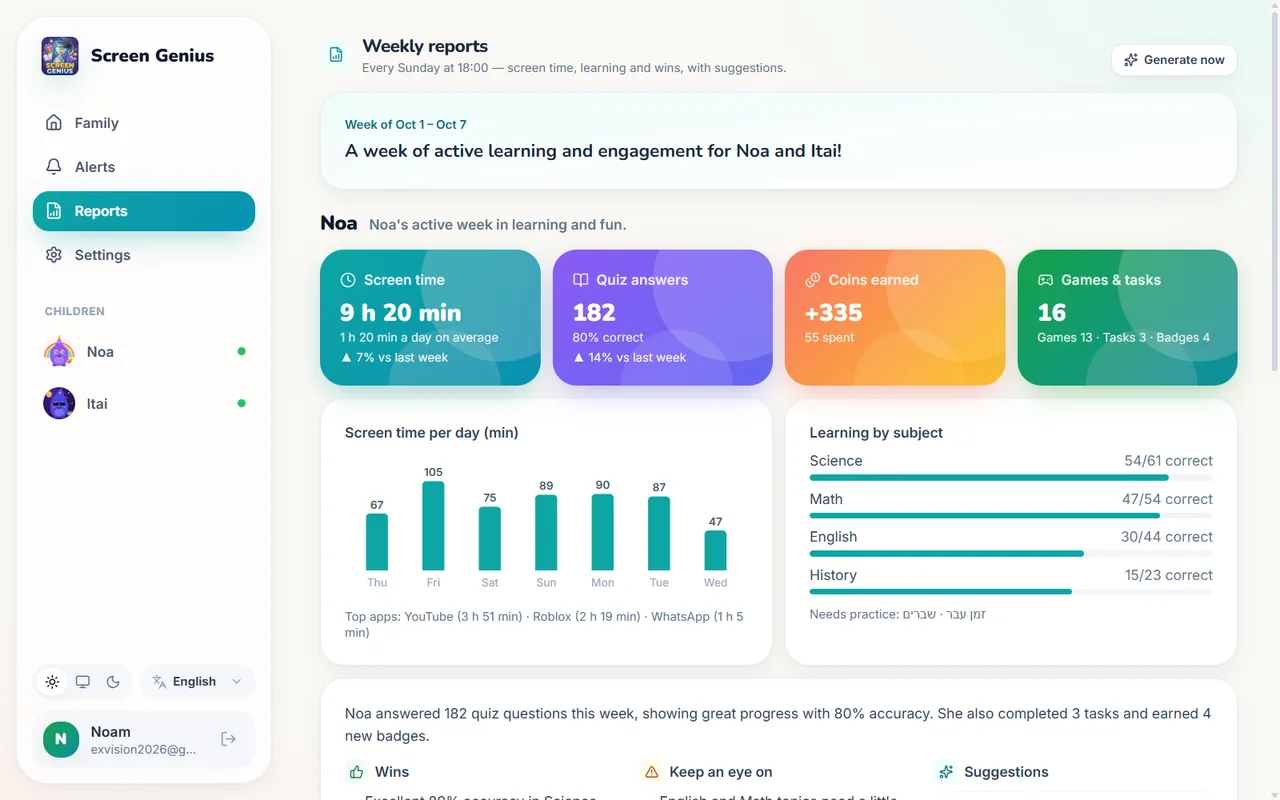
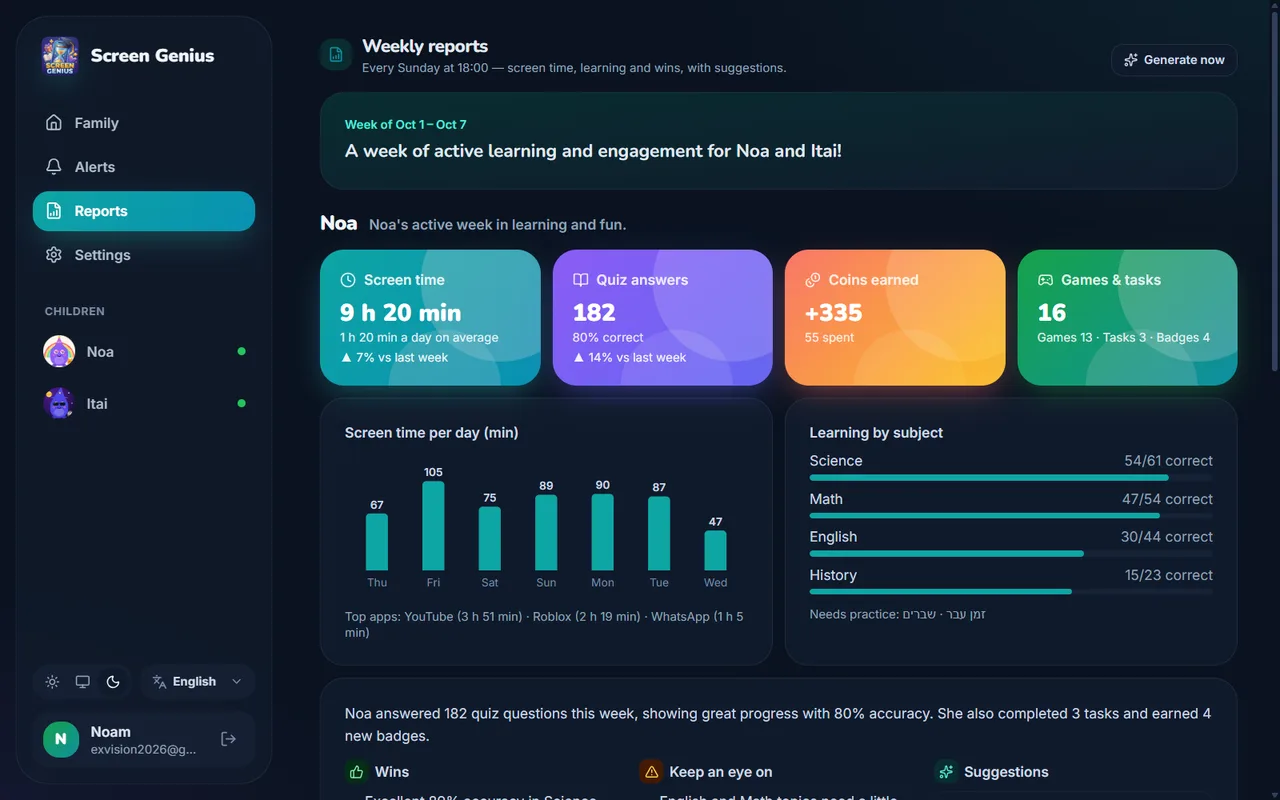
Every Sunday evening: screen time, what they learned, what went well and what to practise — with practical tips for next week.
Start for free
Screen-time controls, the lock and Agent Shield are included. You only pay for quiz and game questions — shared by all the kids in your family.
Or a one-time pack: 500 · $4.99, 1,000 · $8.99 — they never expire.
Prices in US dollars, taxes included. Cancel any time.
Full pricing detailsQuestions? Answers.
Which phones does it work on?
The child app runs on Android 9 and up. Parents use the Android app or the dashboard in any browser — on iPhone and computers too.
Can my child just uninstall it?
Not without a parent PIN: device-admin protection blocks uninstalling. If an important permission is turned off, you're alerted right away.
What costs money?
Only quiz and game questions. Every family gets 300 free questions, then you can pick a monthly plan or a one-time pack. Everything else — limits, lock, bedtime, chores, prizes and Agent Shield — is included.
What data do you collect?
Only what the system needs to work: app usage time, learning results and your settings. No ads, and we never sell data. Old history is deleted automatically.
Is it right for my child's age?
It's built for ages 6–14. Question difficulty follows age and grade, adapts as they progress, and you can fine-tune it per subject.
Can I manage several kids and two parents?
Yes. Add as many children as you like and invite a co-parent with a code — you both get the same controls.
What happens without internet?
Rules are stored on your child's phone and enforced offline. Changes sync as soon as the connection is back.
Where do I get it?
Install Screen Genius from Google Play on your child's Android phone, then manage everything from your phone or the web dashboard.
Ready for calmer screen time?
Get Screen Genius on Google Play. Already have an account? Log in to your dashboard.